
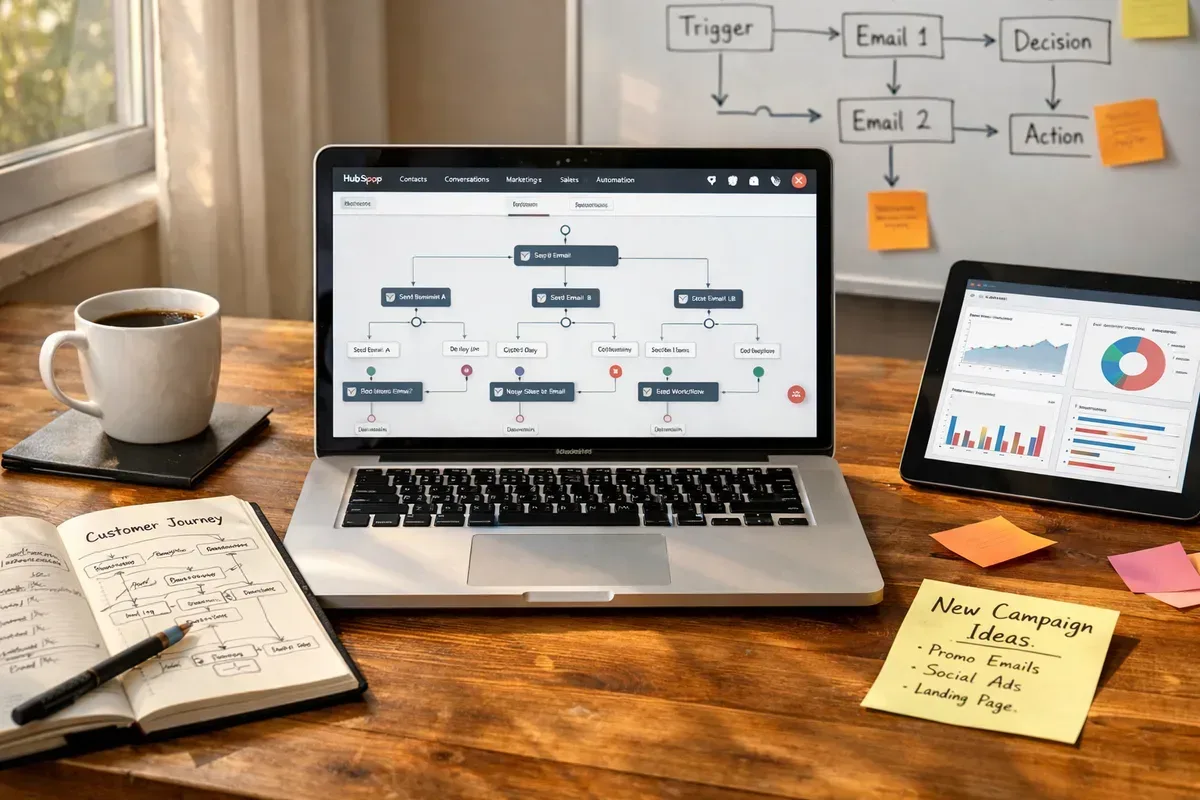
Why Automate HubSpot Marketing?
Automating HubSpot marketing workflows transforms repetitive tasks into consistent, timely actions. Automation reduces manual error, improves lead nurturing and ensures that every contact receives contextual, personalised communication at scale. Teams can focus on strategy and creative optimisation while automation handles segmentation, email sequences, lead scoring and lifecycle transitions.
Beyond efficiency, automation enables better measurement: standardised workflows produce reliable metrics for open rates, conversion paths and campaign attribution. For businesses aiming to scale without proportionally increasing headcount, HubSpot automation is a strategic enabler rather than a mere time-saver.
Key HubSpot Automation Features to Utilise
HubSpot offers a suite of automation features that are particularly powerful when combined: workflows for multi-step processes, sequences for sales outreach, predictive lead scoring to prioritise prospects, and conversational bots for initial lead capture. Use workflows to automate onboarding, re-engagement and event follow-ups; use lists and custom properties to refine segmentation.
Integrations matter: integrating CRM data, e-commerce platforms and analytics helps deliver richer, data-driven automations. Employ branching logic and delay steps sensibly to mimic natural communication rhythms and avoid overwhelming contacts.
Content Automation: Balancing Scale and Quality
Automating content distribution and production can dramatically increase output, but quality control is essential. Use HubSpot’s smart content and CMS tools to personalise pages and emails based on contact data. For content generation, AI tools can produce drafts, topic ideas and metadata quickly — for example, autoarticle.net offers automatic AI article generation tailored for WordPress and HubSpot blogs, which can accelerate publishing workflows.
Always apply editorial oversight: fact-checking, human tone adjustment and brand alignment must remain part of the process. Combine AI-generated drafts with human editing to preserve authenticity and SEO value.
Best Practices for Building Effective Workflows
Start with clear objectives: define what success looks like for each workflow (e.g. MQL to SQL conversion rate, onboarding completion). Map the customer journey and identify the exact triggers and outcomes expected from automation. Keep workflows modular and test incrementally — A/B test email subject lines, send times and cadence.
Ensure compliance with data protection laws (GDPR, PECR) by maintaining proper consent records and offering easy opt-outs. Monitor performance regularly and iterate: automation should evolve with changing customer behaviour and business priorities.
Measuring ROI and Continuous Optimisation
Track relevant KPIs such as conversion rates, time-to-close, revenue influenced and email engagement metrics. Use HubSpot’s reporting tools to attribute revenue to automated campaigns and to identify bottlenecks. Set a cadence for review — monthly for most operational metrics, quarterly for strategic reassessment.
Continuous optimisation relies on a feedback loop: collect qualitative feedback from sales and customers, combine it with quantitative metrics, then refine workflows, templates and segmentation. Over time, even small improvements compound into significant gains in conversion and customer satisfaction.